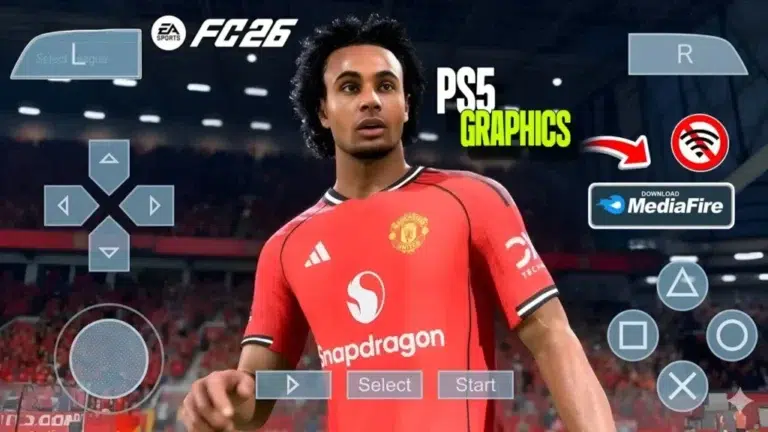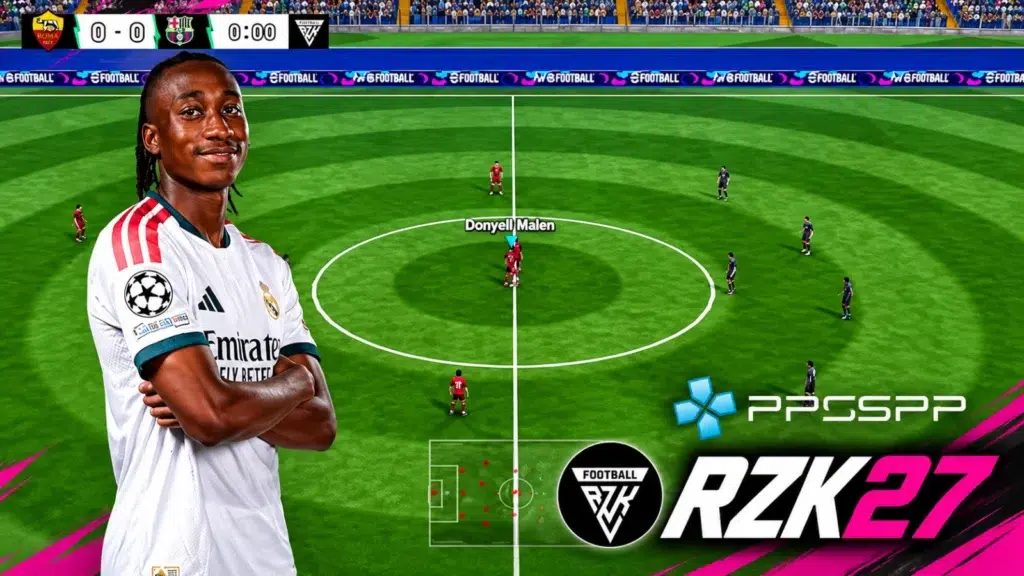
Overview of FIFA 2027 PPSSPP on Android
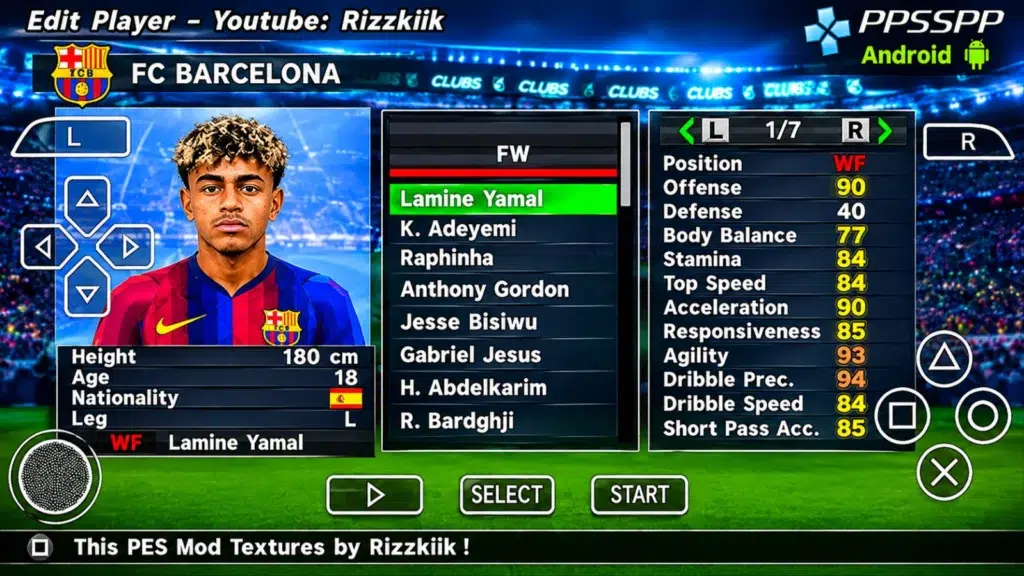
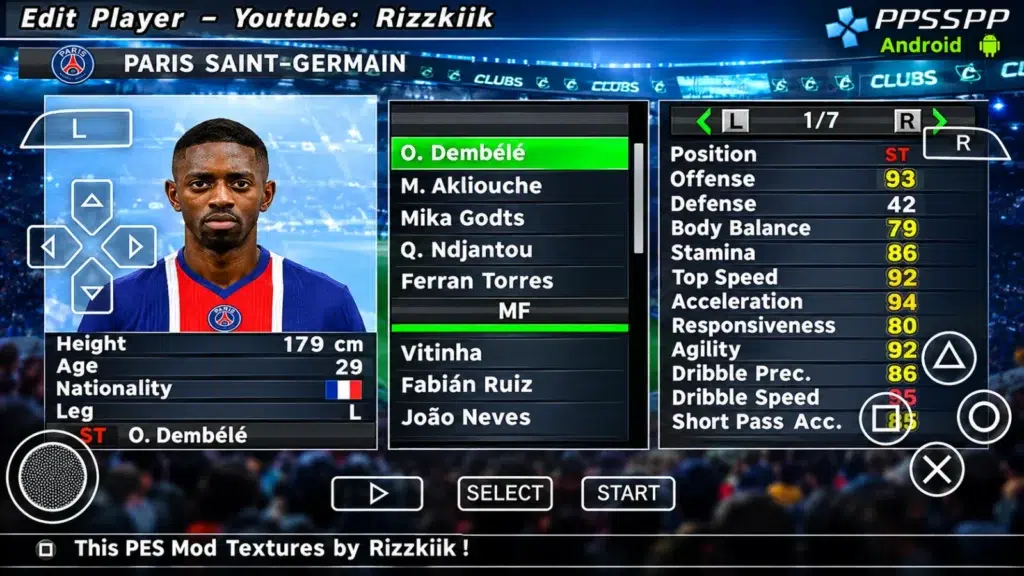
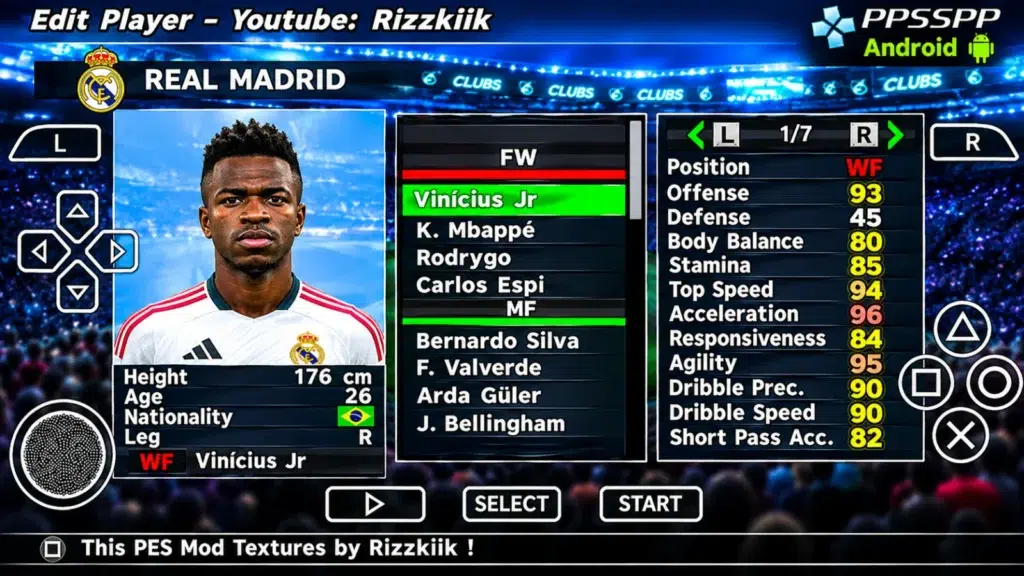
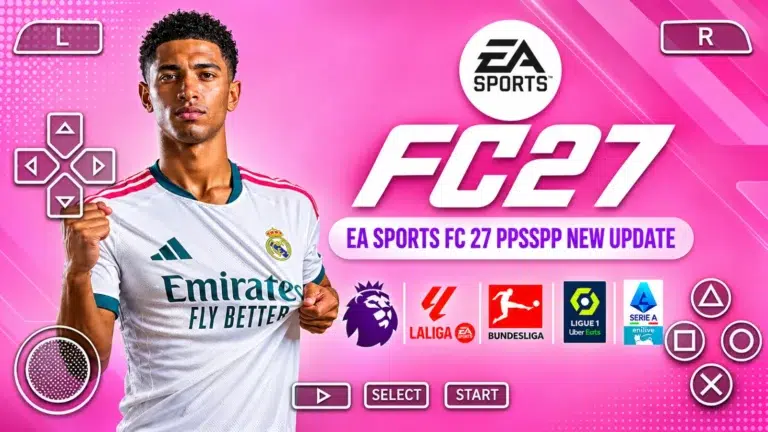
FIFA 2027 PPSSPP brings the modern pitch experience to Android smartphones, offering updated football action through PlayStation Portable emulation. Based on classic PSP football architecture, this fan-tailored modification updates the entire title with EA FC 27 menu layouts, refreshed 2026/27 squad transfers, high-definition textures, and enhanced grass visuals. Mobile gamers can enjoy completely offline matches with deep tactical depth and refined presentation without needing an active internet connection.
This guide breaks down everything included in this extensive release, detailing squad updates, menu interfaces, pitch upgrades, emulator setup steps, and gameplay features. Whether you want to lead your favorite club through a full season or play quick offline exhibition matches, this mobile modification delivers a comprehensive simulation right on your device.
The transition of PSP football titles into modern handheld mods has kept retro sports simulation thriving. Running via the PPSSPP emulator, this release transforms legacy handheld code into a visually vibrant experience that mimics modern console sports releases. Designed for devices running Android 5.0 and above, the mod ensures smooth frame delivery across a broad spectrum of hardware specifications.
Because the core engine operates fully offline, players do not have to worry about server maintenance, mandatory online updates, or persistent internet connections. Choosing FIFA 2027 PPSSPP offers portable sports enthusiasts complete freedom to start quick matches or jump into long-term game modes anywhere. The distribution comes as an ISO file package paired with customized savedata and texture files to complete the graphical overhaul.
From updated squad rosters to revamped broadcast packages, every element works together to deliver a realistic soccer atmosphere. The development focuses on keeping game mechanics responsive while raising the bar for mobile visual fidelity through customized textures and shader presets.
Visual Enhancements and EA FC 27 Inspired UI
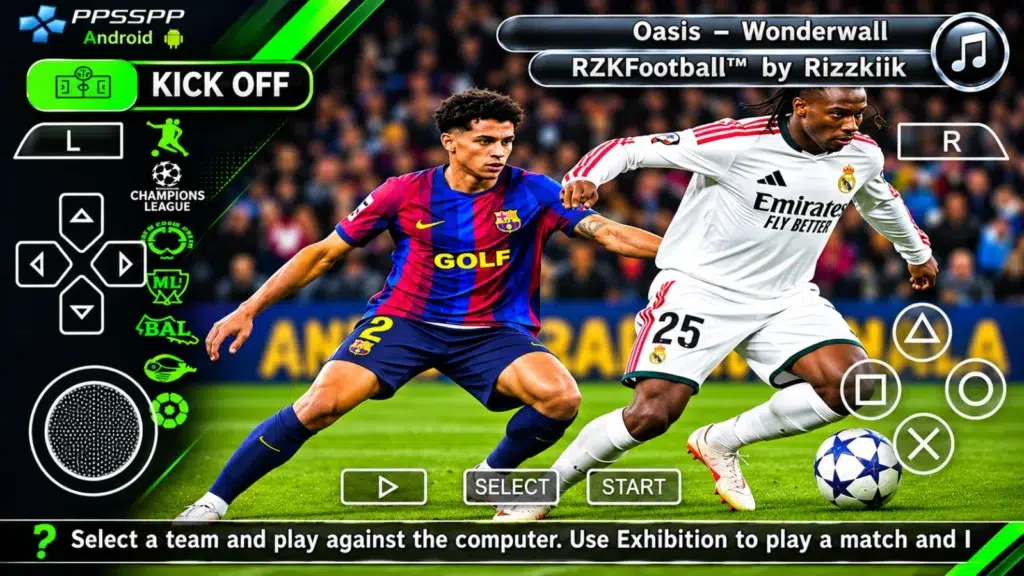
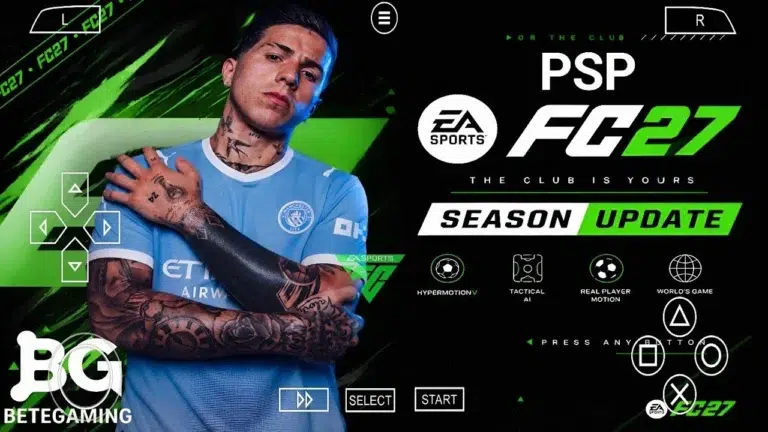
The visual overhaul starts immediately upon loading the main interface. The menu structure takes direct inspiration from EA Sports FC 27 designs, utilizing clean panel layouts, modern typography, and vibrant color highlights. Navigation across kick-off modes, tournament structures, and game settings is streamlined, offering a slick user experience tailored for touch screen navigation.
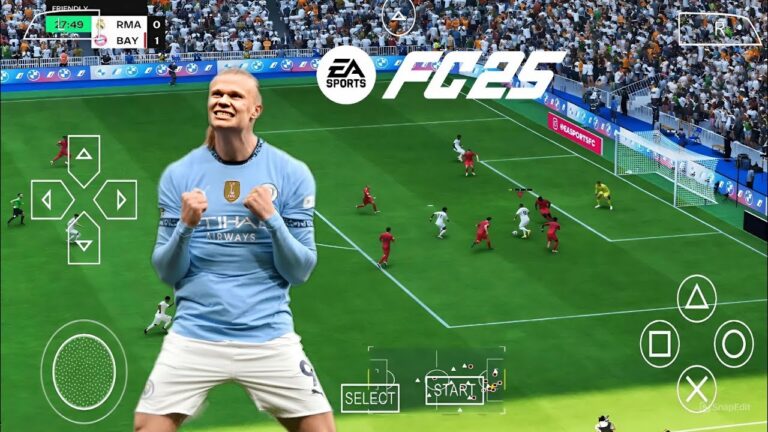
On the field, the pitch rendering has received a complete makeover. The grass texture quality features detailed HD pitch designs, replacing flat legacy textures with multi-shaded green turf. Coupled with a PS5-style camera perspective, players get a wide overview of the action, allowing for better tactical vision and precise pass placement across the pitch.
- EA FC 27 Menu Style: Sleek navigation panels, streamlined mode selection, and contemporary fonts.
- HD Grass Turf: Revamped pitch textures with distinct blades and realistic stadium turf patterns.
- PS5 Camera Angle: Broader, higher viewpoint that replicates broadcast angles seen on current-generation consoles.
- Small Font Player Names: Clean on-screen player indicators that avoid cluttering the visual field during fast counter-attacks.
- High Resolution Textures: Sharper kit badges, improved stadium banners, and crisp perimeter ad boards.
Roster Updates, Teams, and Season 2026/27 Kits
A central pillar of this release is the updated team database. The mod incorporates the latest 2026/27 season transfer updates (Final Transfers Part 2), moving star players to their current real-world clubs. Premier football leagues including the English Premier League (EPL), Ligue 1, and Serie A feature comprehensive roster syncs alongside correct squad number assignments.
In addition to top-tier European leagues, the update expands lower-tier availability by adding official EFL Championship teams. Promotion and relegation squad assignments have been fixed to match current real-world standings, giving career mode enthusiasts accurate league setups across multiple divisions.
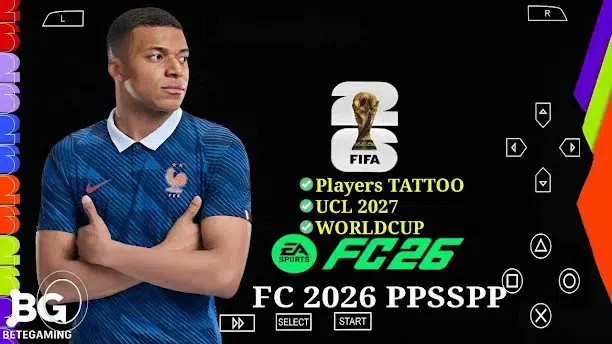
Visual authenticity extends to team uniforms and player models. All kits have been refreshed to reflect 2026/27 designs, including correct third kits and sponsor logos. National teams competing in World Cup 26 have received specific kit corrections, ensuring global international tournaments look fully authentic during gameplay.
Gameplay Upgrades and Features in FIFA 2027 PPSSPP
Beyond visual changes, tactical flexibility receives a major boost with the introduction of seven substitutions across all game modes. This rule change lets managers make tactical adjustments, cycle squad fatigue, and test substitute formations during competitive cup fixtures or exhibition ties.
Player presentation has also received deliberate attention. The mod incorporates updated boots, random facial variations for unmodeled players, and expanded callname audio updates to enhance commentary realism during matches. Audio immersion is further supported by an updated soundtrack, replacing older tracks with fresh beats during main menu navigation.
Integrating high-resolution textures into the engine allows the game to maintain smooth animation flow while delivering crisp player kits and pitch details. Playing FIFA 2027 PPSSPP provides a well-balanced mix of legacy arcade pace and modern tactical simulation.
Emulator Settings and Performance Considerations
Running this sports title on mobile hardware depends on configuring the PPSSPP emulator correctly. Fortunately, the lightweight nature of original PSP games means even modest Android smartphones running Android 5.0 or higher can handle the gameplay easily without suffering performance stutters.
Players can customize their touch control layout directly inside the emulator menu. Button size, transparency, and placement can be adjusted to suit individual thumb reach, or players can pair external Bluetooth gamepads for physical controller input.
To experience the full visual suite, including custom textures and savedata, users should enable texture replacement settings within the emulator interface. Using optional shader scripts can further enhance color saturation, lighting contrast, and anti-aliasing without heavily impacting battery life or frame stability.
Key Tips for New Players
Getting the most out of mobile football matches requires adapting to the refined camera angle and updated game speed. Here are practical tips to improve your matchday performance:
- Adjust Control Sensitivity: Fine-tune touch button placement or joystick sensitivity in PPSSPP settings to execute sharp turns and precision through-balls.
- Utilize All Substitutions: Take advantage of the 7-substitute rule to bring fresh stamina into your midfield and attack during the final 30 minutes of a match.
- Master the PS5 Camera: Use the wider camera view to spot open wingers early, allowing for quick switch plays across the pitch.
- Customize Tactical Formations: Adjust team width and defensive line depth inside squad management before facing high-pressing opponents.
- Verify Savedata Loading: Always ensure the savedata file is loaded correctly to guarantee all transfer updates and custom team configurations apply to your save files.
How to Install the Game Mod Files
Setting up the mod on an Android device involves a straightforward file placement process. First, ensure you have the PPSSPP emulator installed from your standard app store, along with an archiver tool to extract compressed archives.
Download the ISO game file, along with the corresponding savedata, texture pack, and shader files available on the download page. Extract the archived files into your device storage. Place the extracted SAVEDATA and TEXTURES folders directly inside the standard PSP directory located on your device storage.
Launch the emulator app, navigate to the folder where your game ISO file is located, and select the game title. Ensure texture replacement and memory stick options are turned on in the emulator graphics tab to load the modern UI and pitch shaders properly.
Frequently Asked Questions
Do I need an internet connection to play?
No, the game runs completely offline. Once you have downloaded and placed all required ISO, textures, and savedata files onto your device, you can play full matches anywhere without needing Wi-Fi or mobile data.
What Android version is required to run the game?
The game requires Android 5.0 or above. Because it runs via the PPSSPP emulator, it is well optimized for a wide range of mobile devices, including budget and mid-range phones.
How do I get the new menu design and textures to work?
You must place the downloaded TEXTURES and SAVEDATA folders into the main PSP directory on your internal storage. Make sure Replace Textures is enabled in the PPSSPP emulator graphics settings.
Are all latest player transfers included in FIFA 2027 PPSSPP?
Yes, this mod update includes Final Transfers Part 2 for the 2026/27 season across major leagues like the Premier League, Ligue 1, Serie A, and the added EFL Championship teams.
Can I customize the on-screen controls?
Yes, the PPSSPP emulator features fully customizable touch controls. You can resize, move, or adjust the opacity of virtual buttons, or pair a compatible Bluetooth gamepad for physical controls.
Final Thoughts on FIFA 2027 PPSSPP
This modded release delivers an exciting blend of modern football aesthetics and dependable handheld gameplay. By bringing EA FC 27 menus, HD pitch textures, updated 2026/27 team kits, and comprehensive player transfer updates to the PSP platform, mobile gamers get a complete offline sports simulation. Downloading FIFA 2027 PPSSPP gives Android users access to high-quality football matches anywhere. Explore the download options located at the end of the page to start your season today.
Game Screenshots